





Insights
Designing a Better Mobile Experience for Your Customers
Simple ways to make mobile websites and apps easier for real people to use.
Retenvo Team ·

Design for the moment, not just the screen
A customer using a phone may be travelling, switching between tasks or dealing with an unreliable connection. A small screen is only one part of the context. The experience needs to make sense when attention and time are limited.
Start by identifying the action that matters most: booking an appointment, finding a product, checking a record or contacting your team. Make that journey easy to find and understand.
Remove unnecessary friction
Use readable text, clear labels and buttons that are easy to tap. Keep forms focused and explain errors in plain language. Check that important information is not hidden behind an interface that assumes everyone already knows how it works.
Think about devices and connectivity too. Large images and unnecessary steps can make an experience frustrating. Test on the kinds of phones your audience actually uses, not just the newest device in the office.
Learn from people using it
Ask a few representative users to complete a task while you observe where they pause. Fix the biggest obstacles and test again. Whether the right solution is a mobile-friendly website or an app, Retenvo helps businesses design around real customer journeys.
Putting the ideas into practice
A customer tries to book an appointment on a phone while travelling on a slow connection. The following example shows how the team could turn the advice into a practical plan. The details will differ for each organisation, but the sequence gives everyone a shared starting point.
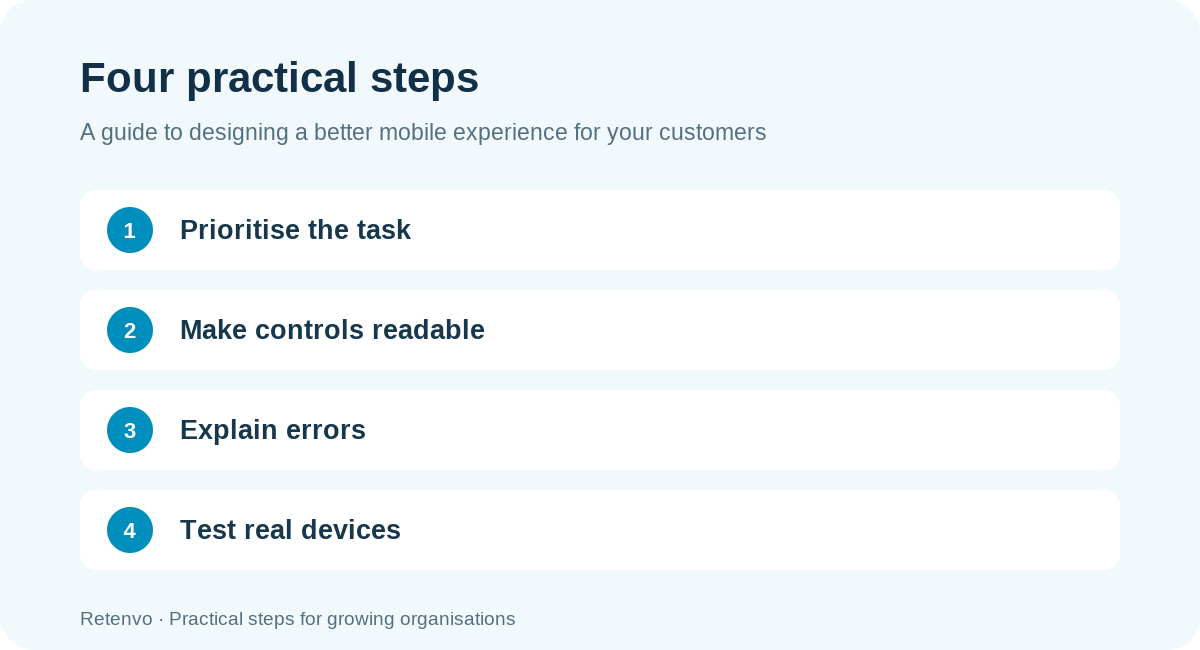
A useful mobile experience accounts for the device, the connection and the situation in which someone is using it. Test the main task with representative users and include support and maintenance in the plan.
- Identify the task. Make the main booking action easy to find and keep each step focused on the information needed.
- Design for phones. Use readable text, clear controls and buttons that are comfortable to tap on smaller screens.
- Test real scenarios. Explain validation errors beside the relevant field and preserve information already entered where possible.
- Support after launch. Test on representative phones and connections, including what happens if the user leaves and returns.
What to include in the project plan
A complete user journey: Map the steps a person takes before, during and after the main task. Include account access, helpful errors and a way to get support, rather than designing only the ideal screen.
Devices and conditions: Test on the kinds of phones your audience uses, including smaller screens and slower connections. Decide whether any task needs offline support and explain what happens when information cannot be sent immediately.
Launch and maintenance: Plan for the systems behind the app, testing, store submissions where applicable and a process for handling crashes and user feedback. Assign someone to own updates after the first release.
Explore our services or contact the Retenvo team to discuss your needs.