





Insights
Designing Forms People Can Actually Complete
Clear labels, focused questions and helpful feedback make digital forms easier to use.
Retenvo Team ·
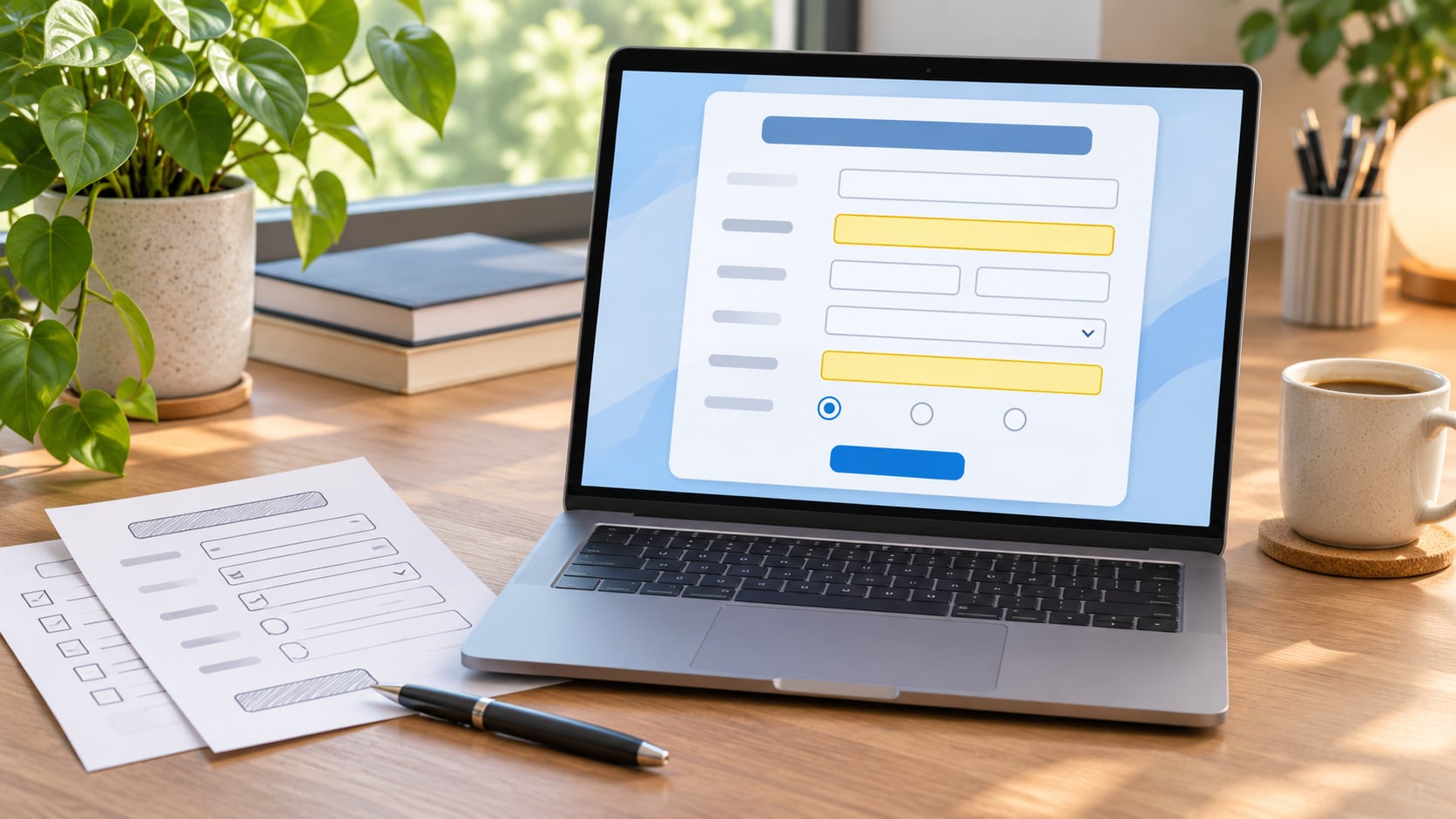
A form is a conversation
Whether someone is requesting a quote, applying for a service or contacting support, a form asks them to spend time and share information. If the questions are confusing or the form fails without explanation, that conversation can end before it starts.
A useful form explains why the information is needed and makes the next step clear.
Ask for what you need
Remove fields that do not serve a clear purpose. Use labels people can understand without specialist knowledge, indicate required information and provide examples where a format might be unclear. Keep related questions together and make the form comfortable to use on a phone.
When something needs correcting, identify the field and explain how to fix it. Do not make people guess whether their request was received: provide a clear confirmation and set reasonable expectations about follow-up.
Test with real people
Ask someone outside the project to complete the form, including a scenario where they make a mistake. Check keyboard access, readable contrast and how the form behaves on smaller devices. Retenvo designs and builds websites and applications around the tasks people need to complete.
Putting the ideas into practice
A prospective customer begins a quote form but does not know which fields are required. The following example shows how the team could turn the advice into a practical plan. The details will differ for each organisation, but the sequence gives everyone a shared starting point.
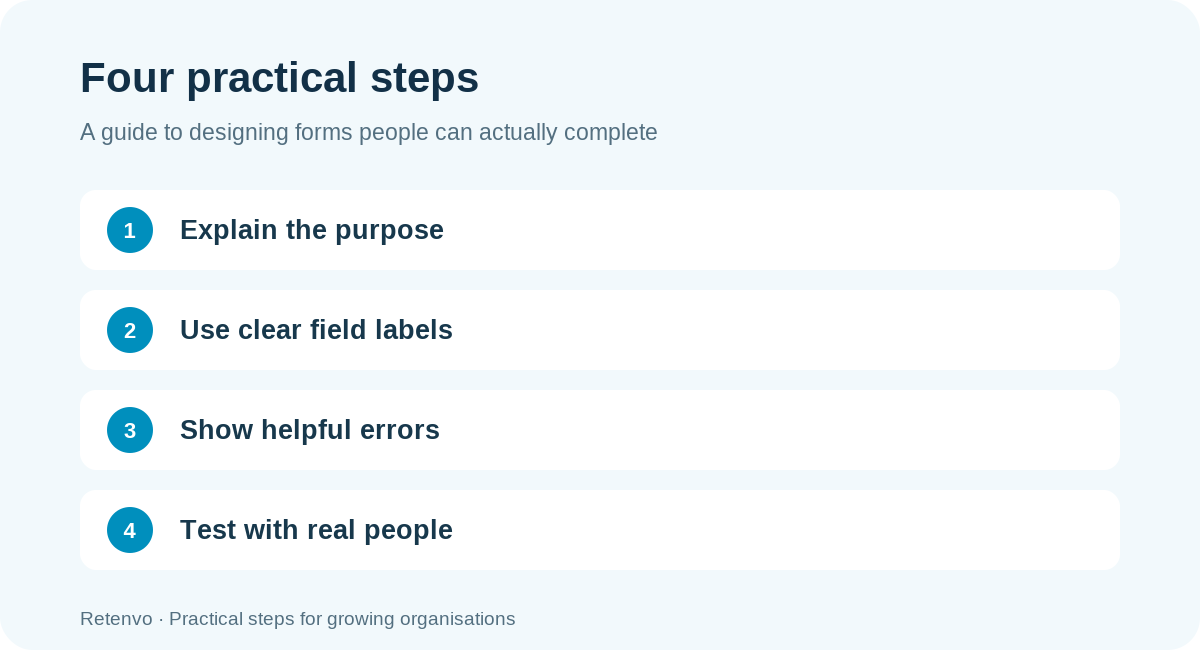
Review the experience from discovery through follow-up. A working page is only useful when the information is current, the next step is clear and enquiries reach someone who can respond.
- Find the page. Explain the purpose of the form and ask only for information the team needs at this stage.
- Understand the offer. Use persistent labels, logical grouping and clear examples for fields with specific formats.
- Take the next step. Show useful errors beside the affected field and confirm what happens after submission.
- Get a response. Test with keyboard navigation, a mobile phone and someone who has not seen the form before.
What to review before a website goes live
Content and navigation: Can a visitor identify what you offer and find the relevant page without knowing your internal department names? Check headings, links, contact details and service areas with someone who did not write the content.
Accessibility and mobile use: Read the page on a small screen, use a keyboard to move through navigation and forms, and check that text and controls remain clear. Describe meaningful images and make sure the page does not rely on colour alone to communicate important information.
Enquiries and maintenance: Send a test enquiry and confirm that it reaches the right person. Assign an owner to review content, contact details, broken links and changes to the business after launch. If you are replacing an existing website, plan redirects for pages whose addresses change.
Explore our services or contact the Retenvo team to discuss your needs.