





Insights
Helping Customers Find the Right Service on Your Website
Organise service pages around customer needs and make the next step easy to understand.
Retenvo Team ·

Your internal structure may not match a customer’s question
A business may organise its work by departments, while customers arrive with a problem they want solved. If your website only reflects internal language, visitors may struggle to find the service they need.
Start by listening to the words customers use when they describe their goals and difficulties.
Make each service page useful on its own
Explain who the service is for, the problems it addresses and what the work can involve. Give examples where they help, and be honest about what depends on the customer’s circumstances. Link to related services when that genuinely helps someone choose.
Make the next step clear: contact the team, request a quote or learn more. A visitor should not need to search the entire site to understand how to continue.
Keep pages aligned with reality
Review service descriptions when your offer changes. Ask the people responding to enquiries which questions remain unanswered and use that feedback to improve the pages. Retenvo helps businesses plan and build websites that connect clear content with useful customer journeys.
Putting the ideas into practice
A customer knows the problem they need solved but does not know the names of the company’s departments. The following example shows how the team could turn the advice into a practical plan. The details will differ for each organisation, but the sequence gives everyone a shared starting point.
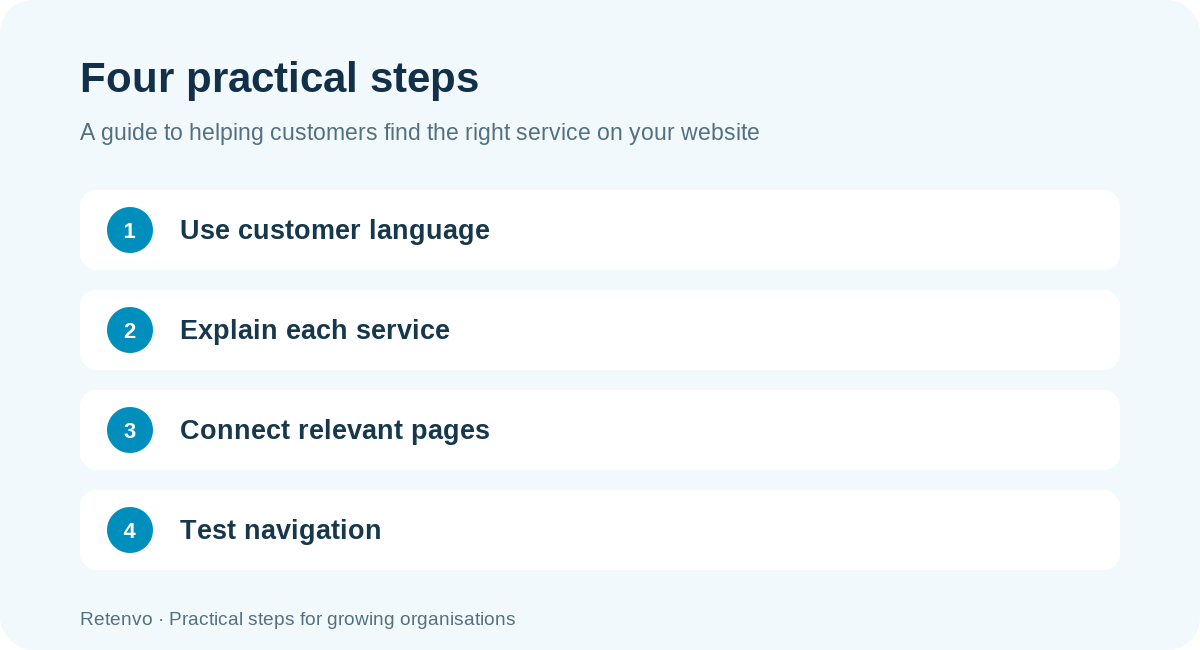
Review the experience from discovery through follow-up. A working page is only useful when the information is current, the next step is clear and enquiries reach someone who can respond.
- Find the page. Organise navigation using the language customers use when asking for help.
- Understand the offer. Describe the audience, problem, likely process and next step on each important service page.
- Take the next step. Link related pages when they genuinely help a visitor compare options or find a more suitable service.
- Get a response. Test a few realistic questions with someone unfamiliar with the business and revise points of confusion.
What to review before a website goes live
Content and navigation: Can a visitor identify what you offer and find the relevant page without knowing your internal department names? Check headings, links, contact details and service areas with someone who did not write the content.
Accessibility and mobile use: Read the page on a small screen, use a keyboard to move through navigation and forms, and check that text and controls remain clear. Describe meaningful images and make sure the page does not rely on colour alone to communicate important information.
Enquiries and maintenance: Send a test enquiry and confirm that it reaches the right person. Assign an owner to review content, contact details, broken links and changes to the business after launch. If you are replacing an existing website, plan redirects for pages whose addresses change.
Explore our services or contact the Retenvo team to discuss your needs.