





Insights
What Makes a Business Dashboard Actually Useful?
Design dashboards around decisions, trustworthy information and the people using them.
Retenvo Team ·

Start with a decision
A dashboard can display many charts and still leave a manager unsure what to do. Before choosing colours or graphs, ask what decision the dashboard should support and who will make it.
A sales manager checking open orders and a school administrator reviewing registrations may both need an overview, but the information and next actions will differ.
Make the information understandable
Agree on definitions for the numbers you display and explain the period they cover. Make it clear when information was last updated and where it came from. Use straightforward labels and give users a way to investigate a number when context matters.
Limit access to information appropriate to each role. Consider what happens when data is incomplete or a connected system is unavailable; a missing value should not be mistaken for a real zero.
Review usefulness with the team
Watch users complete real tasks and ask which information helped them act. Remove clutter, correct confusing definitions and improve the underlying data where needed. Retenvo builds custom business software and reporting experiences around practical workflows.
Putting the ideas into practice
A manager sees many charts but cannot tell which customer orders need attention today. The following example shows how the team could turn the advice into a practical plan. The details will differ for each organisation, but the sequence gives everyone a shared starting point.
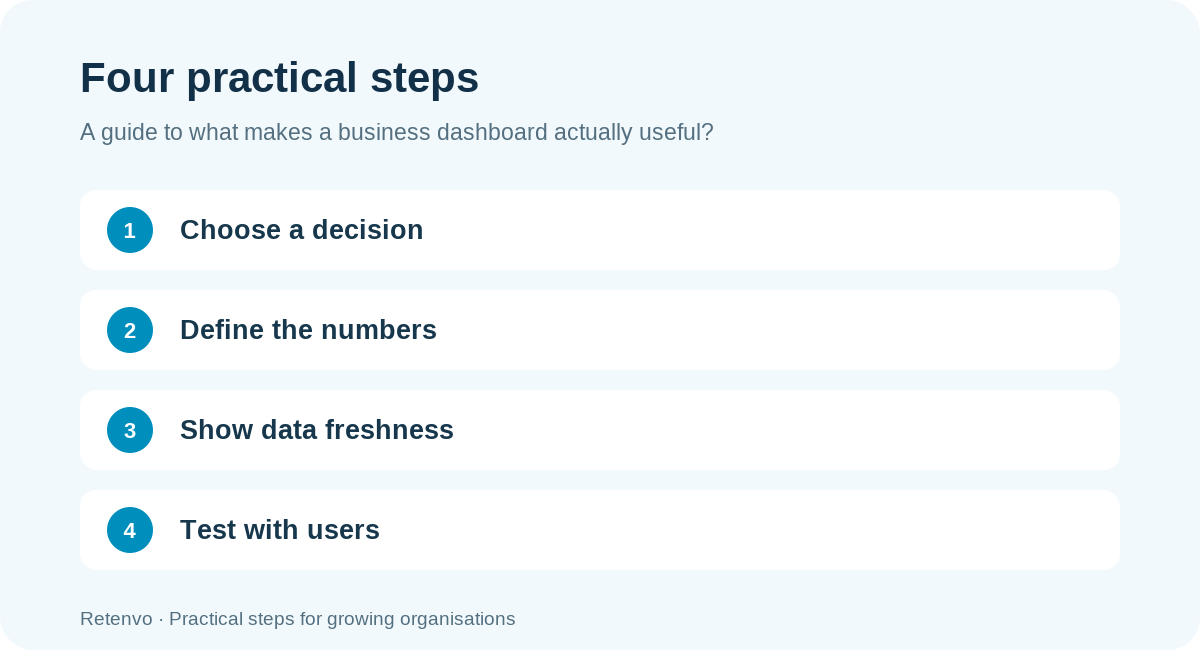
Start with an example of work as it happens today. Note who enters information, where decisions are made and what should happen when a step fails; use those details to evaluate any proposed change.
- Map the workflow. Choose the decision or action each dashboard view is intended to support.
- Define the scope. Agree on definitions, reporting periods, data sources and who is responsible for their accuracy.
- Build and test. Make freshness, missing information and access restrictions visible so users do not misread the figures.
- Review in use. Test the dashboard with people performing real tasks and provide a way to investigate important totals.
Questions to answer before implementation
People and responsibilities: Who enters information, makes decisions and needs to see the result? Include the people who do the work in the discussion and document permissions for each role.
Information and exceptions: Identify existing records, connected systems and the source of each important piece of data. Walk through a normal case and an exception, such as missing information or a failed integration, to understand what the team needs to do next.
Ownership after release: Agree who will support users, maintain the system, manage access and review backups. Define a measurable goal for the first release, then use feedback and operational evidence to decide what to improve.
Explore our services or contact the Retenvo team to discuss your needs.