





Insights
When Does a Business Need Custom Software?
Learn how to recognise a workflow that may benefit from a purpose-built application.
Retenvo Team ·

The spreadsheet that became essential
Many useful business systems start as a spreadsheet. It may track orders, customers, approvals or stock and work very well for a small team. Over time, more people depend on it, copies multiply and exceptions become harder to manage.
That does not mean every spreadsheet needs replacing. It does mean the team should pay attention when the process becomes difficult to explain, secure or maintain.
Look at the workflow before the software
Map the information coming in, the decisions people make and where work moves next. Note delays, repeated data entry and the consequences of mistakes. Ask which parts are genuinely unique and which could be handled by an existing product.
Custom software can be useful when important workflows do not fit available tools, several systems need to exchange data or the organisation needs a shared application built around specific roles. It also requires investment in maintenance, support and future changes.
Start with a focused first release
Choose a problem you can describe clearly and define what improvement would look like. Include the people who do the work, consider data migration and access permissions, and test early with realistic examples. Retenvo helps organisations turn workflow requirements into practical software.
Putting the ideas into practice
An operations team maintains several spreadsheets to track orders, approvals and delivery updates. The following example shows how the team could turn the advice into a practical plan. The details will differ for each organisation, but the sequence gives everyone a shared starting point.
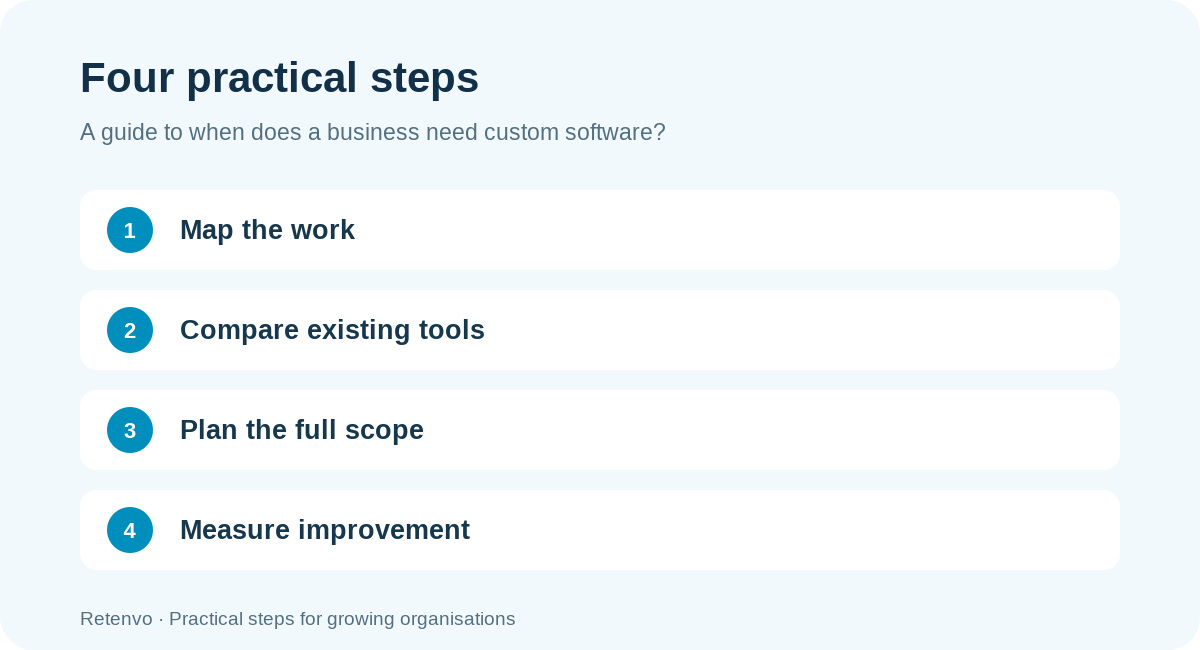
Start with an example of work as it happens today. Note who enters information, where decisions are made and what should happen when a step fails; use those details to evaluate any proposed change.
- Map the workflow. Map the journey from an incoming order to completion and note where the same information is entered again.
- Define the scope. Compare existing tools against the difficult parts of the workflow before assuming a custom system is necessary.
- Build and test. Include roles, integrations, data migration and support when estimating the scope of a custom project.
- Review in use. Start with one complete process and agree how the team will judge whether the new approach improved it.
Questions to answer before implementation
People and responsibilities: Who enters information, makes decisions and needs to see the result? Include the people who do the work in the discussion and document permissions for each role.
Information and exceptions: Identify existing records, connected systems and the source of each important piece of data. Walk through a normal case and an exception, such as missing information or a failed integration, to understand what the team needs to do next.
Ownership after release: Agree who will support users, maintain the system, manage access and review backups. Define a measurable goal for the first release, then use feedback and operational evidence to decide what to improve.
Explore our services or contact the Retenvo team to discuss your needs.